
Everyone knows the classic music quiz question.
🎵 Which song is this?
Play the first few seconds of something famous and one person will usually shout the answer before you've finished the question. That's fun, but once you've built a few music rounds you'll want to mix things up.
Maybe you want to make a familiar song harder to recognize. Maybe you want to surprise people. Maybe you just want to make everyone laugh.
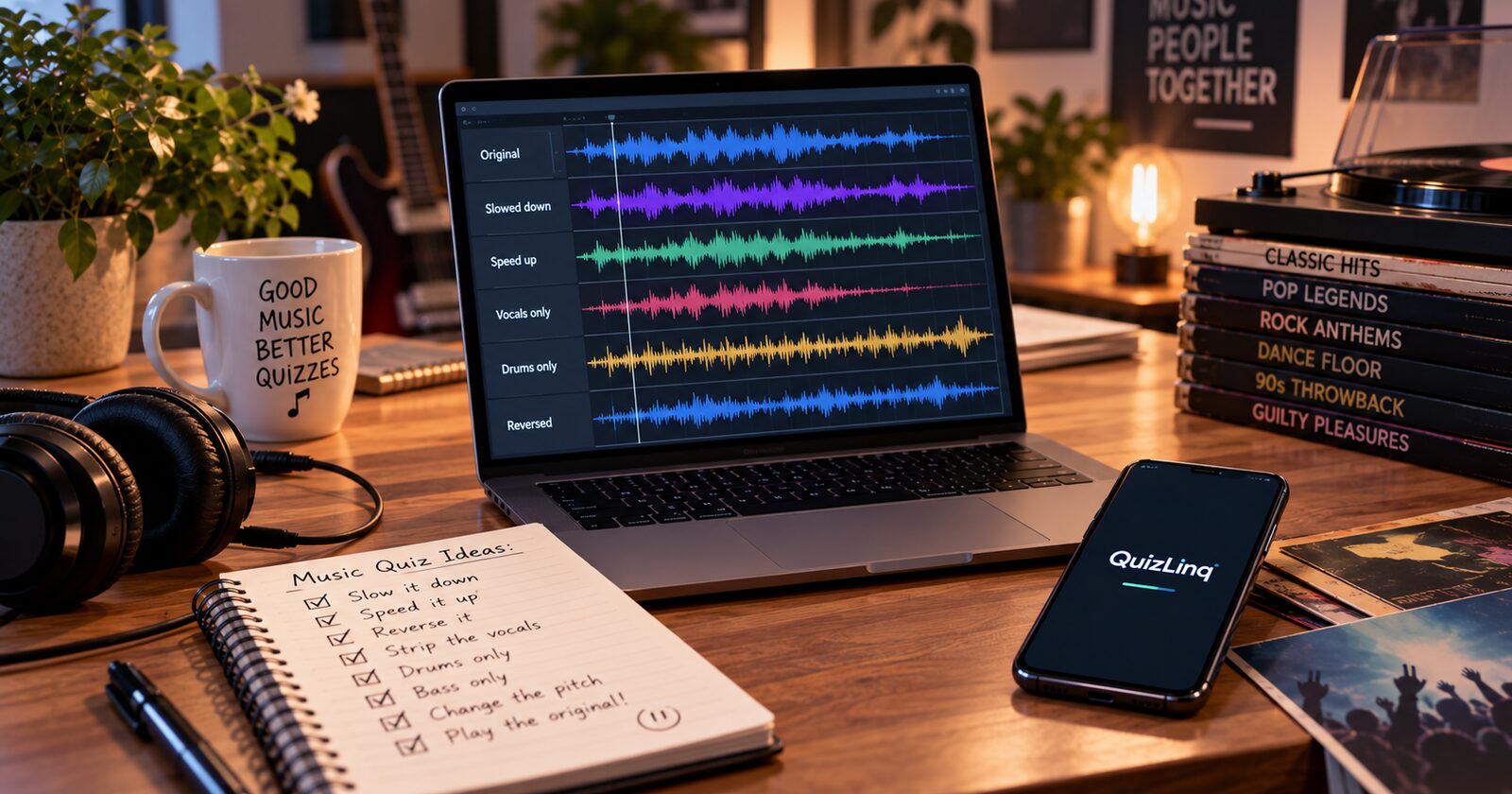
If you have an MP3, you can do a surprising amount with it. Slow it down, speed it up, change the pitch, play it backwards, remove the vocals, isolate the drums, or turn a perfectly normal song into something completely ridiculous. You don't need to be an audio engineer for any of it.
And you don't always have to make things harder. Sometimes making it weird is more fun.
Start with a short clip
Before you touch any effects, try something simpler: don't play the whole song. Clip length alone changes the difficulty enormously.
Try playing:
- The opening guitar riff
- A few seconds from the middle of the song
- A drum beat
- A bassline
- A distinctive instrumental section
- The start of the second verse
- The bar immediately before the chorus
A famous chorus might be recognized instantly. A three-second riff from the same song can leave the room silent.
Make the clip longer as a hint
You can also turn clip length into part of the game. Start playing, stop after a few seconds, and give everyone a moment. Nobody got it? Play a little more. Still nothing? Keep going.
That creates a natural slide from difficult to easy without building several versions of the same question. Your host remote has play, pause and replay, so you control exactly how much of the song the room hears.
Speed it up
Take a familiar song and make it faster. The singer suddenly sounds like they're in a hurry, and a song that normally takes three seconds to place becomes a genuine challenge. This works best on the songs people know far too well.
Or slow it down
Slow a song down and a familiar voice becomes almost unrecognizable. A guitar solo sounds like a different instrument. Something you've heard hundreds of times turns mysterious. Slow versions are particularly good for "who is this?" questions.
Change the pitch
Shifting the pitch is another easy disguise. Move it up and the singer may sound like a different person entirely. Move it down and a cheerful pop song turns unexpectedly dramatic.
Don't overdo it. You want players to eventually get there, not to produce audio so distorted that there's no reasonable path to the answer.
Play it backwards
A classic for a reason. Take a recognizable section, reverse it, and ask:
🎵 Which song is this?
Players hear something vaguely familiar without knowing why, which is a very particular kind of frustrating.
Remove the vocals
If you have an instrumental version, use it. Taking the singer away can make a question much harder than the original recording, and it works brilliantly on songs with distinctive arrangements.
🎵 Which song is this?
Only the instrumental is played.
Or go the other way
Isolate the vocals and you have a completely different question. Hearing a familiar singer without the usual instruments around them is surprisingly difficult.
🎵 Who is singing?
Isolate the drums or bass
You don't have to stop at vocals and instrumentals. A song can be split into drums, bass, guitar, vocals and other instrumental parts, and each one is a question.
🥁 Which song uses this drum pattern?
Players who know a song extremely well may place it from a few seconds of drums alone. Those who don't will have no idea, which makes this a good format for a round where you want one or two people to look like geniuses.
AI makes this much easier
Stem-separation tools can split a song into its components automatically. Vocal Remover's AI Splitter will separate an audio file into vocals, drums, bass and other instruments in a few seconds.
One MP3 can become several completely different quiz questions that way.
Combine several tricks
The really difficult questions usually stack transformations.
Slow the song down → remove the vocals → play only the drums.
Or:
Reverse the clip → speed it up → use a three-second section.
You don't have to tell players what you've done. Just play it and watch the confusion.
Use the reveal to play the original
This is the piece that makes all of the above worth doing, and it's the part hosts most often miss.
Your question holds one piece of media and your answer reveal holds another. So the mangled version is only half the question. The reveal is where you play the real thing.
- Question: the reversed clip. Reveal: the same section forwards.
- Question: drums only. Reveal: the full track.
- Question: pitched up beyond recognition. Reveal: the original recording.
That second play is the moment the round is actually about. Everyone hears how obvious it was, someone insists they nearly had it, and you move on. Without it, a hard question just ends with a name on a screen and a slightly deflated room.
Set it up once and it runs itself. You're not scrambling to find the song again on your phone while thirty people wait.
Musicless Musicvideos
Not every trick needs to be serious. One particularly fun rabbit hole is the Musicless Musicvideo.
Search YouTube for the term and you'll find famous music videos with the original music stripped out and replaced by sound effects. The results are often hilarious. A dramatic video becomes a collection of footsteps, creaking leather, breathing, grunts and deeply undignified little noises.
The format is strongly associated with Mario Wienerroither, who has made versions of clips by artists including Michael Jackson, Queen, Nirvana, David Bowie and Mick Jagger.
🎬 Play the musicless video Question: Which music video is this?
The fun comes from recognizing a video without its most obvious clue. And this is the ideal case for the answer reveal: put the musicless version on the question and the real music video on the reveal, so the room finally hears what was missing.
Don't always make it harder
This is perhaps the most important trick of all. A music quiz doesn't have to be an escalating battle to defeat your players.
Play a famous song at ridiculous speed. Play the drums. Reverse the intro. Use a musicless video. Or play a completely recognizable song in a way that makes everyone wonder what on earth they're listening to.
The goal isn't always to find out who knows the most music. Sometimes it's just to create a moment people remember.
Putting it together
Audio on the question and different media on the reveal are both in QuizLinq Free, so none of this needs a paid plan.
If you haven't decided how players should answer yet, that's the next choice, and it matters as much as the audio does. The same clip becomes a different question depending on whether you use Multiple Choice, Text Entry, Buzzer, True or False, or Numerical. See Same Song, Five Different Questions: Choosing Your Music Quiz Format for practical examples.
And if you still need to get music into your quiz in the first place, start with How to Add Music to Your Quiz: YouTube, MP3 and More.